Find a client by email address
Client Search lets you locate a client in Collar using their email address.
Before You Begin
– You must be logged into your Collar business account with permission to view client information.
– Access to the client list is reached through the Pets tab.
How to find a client by email address
1. Open the Pets tab — In the left navigation, click Pets to view pet management.
2. Select the Clients sub‑tab — Within the Pets view, click Clients to open the client list.
3. Enter the email address in the search bar — Type the full email into the search field at the top of the client list.
4. Review the search results — Locate the matching client profile in the results.
5. Open the client profile — Click the client’s name to view or edit their details.
Important Information
Note: Email addresses are unique identifiers for client accounts. Business admins cannot change a client’s email address; the client must contact [email protected] to request an update.
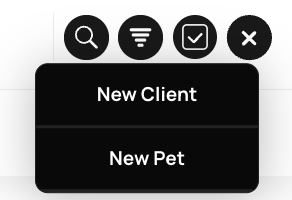
Tip: If no results appear, the client may not yet have an account. You can add them as a new client by using the (+) button at the top right corner and press “New Client”.